

Android Phone Lagging: How to Fix It Permanently (Complete Guide)
By Minal Hossan
 By Minal HossanUpdated on February 15, 2026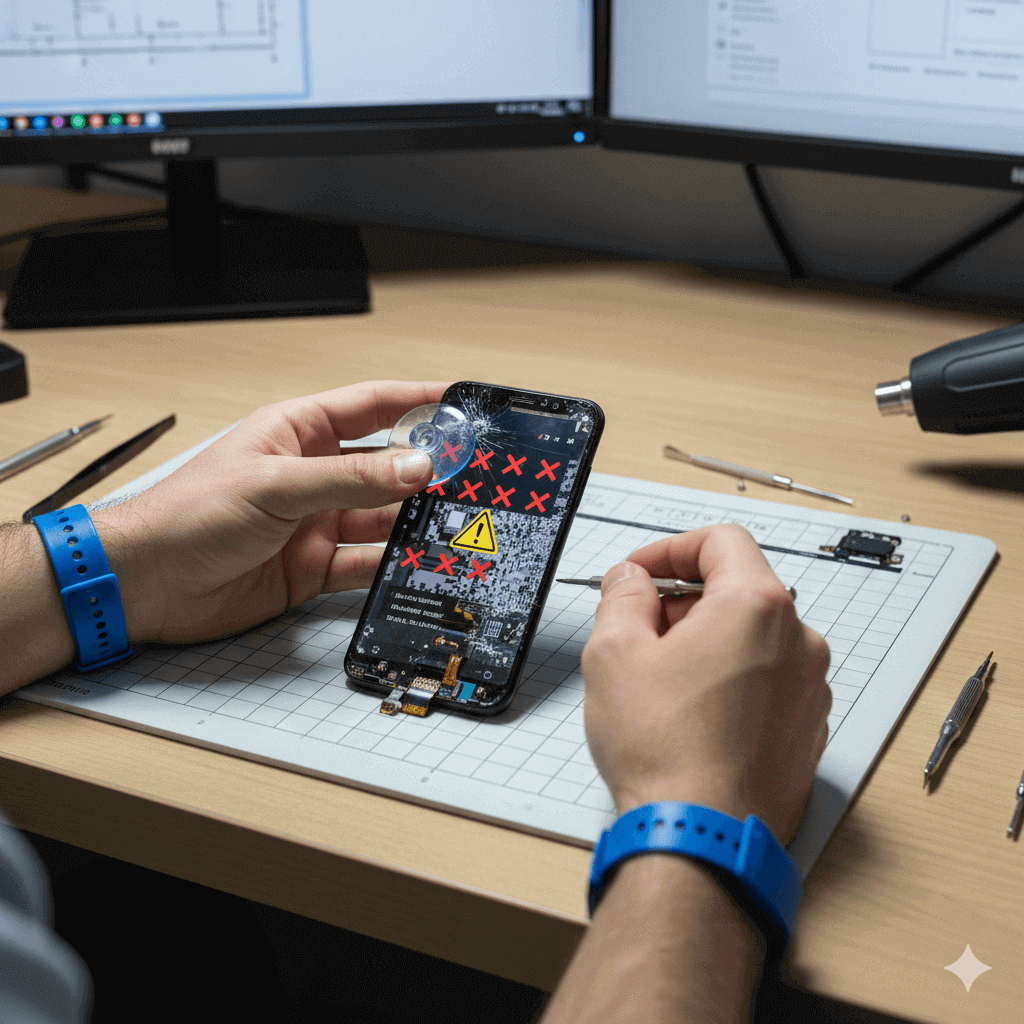
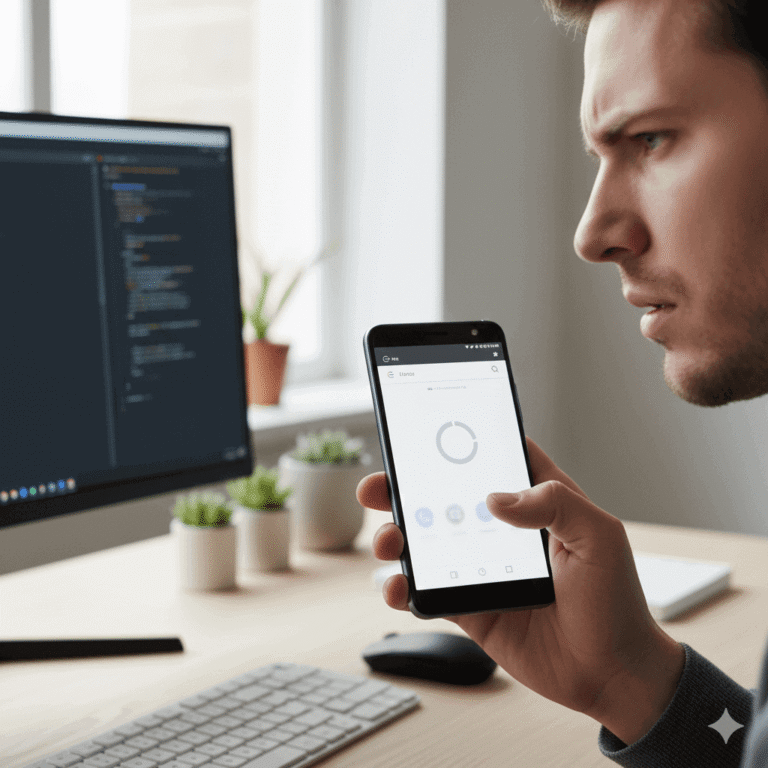
If you’re struggling to fix android touch problem and your screen is not responding, freezing, or tapping itself, you’re not alone. Thousands of Android users face touchscreen issues every day — and surprisingly, most of them can be fixed without replacing the display.
This guide provides the most complete, step-by-step, solution to diagnose and repair unresponsive, partially working, or ghost-touch screens on Android. Whether your touch stopped working during charging, after a fall, due to moisture, or after a software update, this article will walk you through everything you need to know.
Most people assume that when the touch stops working, the entire display is damaged. But that’s not true.
Common reasons behind touch problems:
Knowing the cause helps you properly fix android touch problem without wasting money.
Your screen may suffer from:
Each symptom points to a different type of issue and can be fixed using the steps below.
✔ Remove gloves
✔ Clean the screen
✔ Remove tempered glass
✔ Unplug charger
✔ Restart phone
✔ Remove phone case
If the problem continues, follow the detailed fixes below.
This works for most temporary touchscreen freezes.
This clears temporary system lockups.
Thick or damaged glass blocks electrical signals.
Many touch issues disappear instantly.
Use:
Avoid chemicals like detergents or glass cleaners.
If your screen touches itself while charging, the cable or charger is faulty.
Use:
Dust in the port causes ghost touches.
Clean carefully using:
Never use metal pins.
Overheating affects digitizer performance.
To cool down:
Sometimes apps interfere with touch.
If touch works here → app issue.
Remove:
Install:
This helps fix touch accuracy issues.
Especially useful if you use tempered glass.
Settings → Display → Touch Sensitivity → ON
Disable:
Place phone in:
Keep 12–24 hours.
Buggy updates may break touch response.
Steps:
This keeps your data safe.
Settings → System → Reset Options → Reset All Settings
If nothing works, perform a full reset.
Backup your data first.
If touch is 100% unresponsive:
If USB debugging was previously enabled, use ADB:
adb shell input tap x y
adb shell input text "hello"
adb shell input swipe
If the phone fell or was bent, display flex may be loose.
A technician can:
This often restores touch.
If the touch IC chip is damaged, a repair shop can:
Much cheaper than screen replacement.
These interfere with the touchscreen sensor.
Remove them and test again.
Some Android devices reduce touch accuracy when battery <10%.
Charge your device to at least 20%.
These require professional knowledge:
If you’re not experienced, avoid DIY on these.
✔ Avoid cheap chargers
✔ Keep phone dry
✔ Use high-quality screen protector
✔ Avoid sitting on your phone
✔ Don’t play games while charging
✔ Update software regularly
Avoid moisture, use quality chargers, and keep system updated.
Your charger or cable is faulty.
Yes. Reseating the flex often solves it.
Absolutely. Moisture is one of the biggest causes.
If you follow all the steps above, you can successfully fix android touch problem without spending money on a new display. In many cases, touch issues come from software bugs, charging problems, moisture, or loose connections — not a damaged screen.