



Print on Demand Business: The Complete Beginner’s Guide to Starting and Scaling a Profitable POD Store in 2026
By Minal Hossan
Find the best screen recorder for PC in 2026 with our detailed comparison of free and paid tools for gaming, tutorials, online meetings, and professional content creation.
 By Minal HossanPublished on June 05, 2026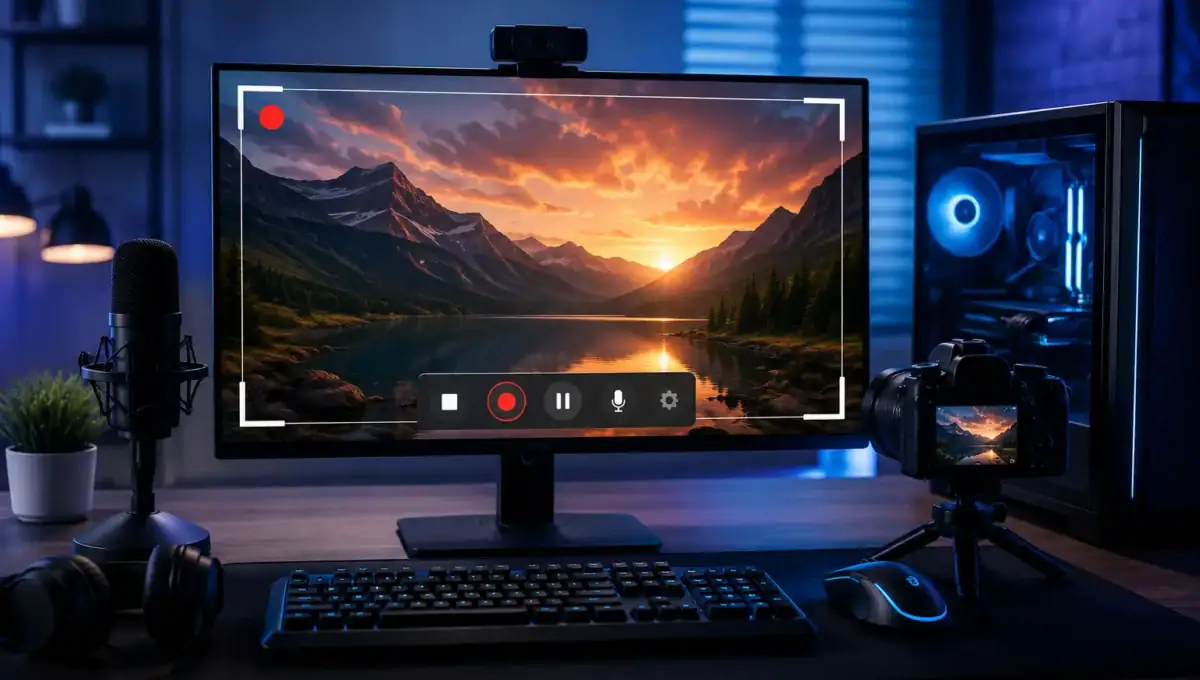
Best Screen Recorder for PC. Whether you’re creating YouTube tutorials, recording gameplay, capturing online meetings, or developing educational content, having the right screen recorder can significantly improve your workflow. Modern screen recording software offers much more than basic video capture. Features such as high-definition recording, webcam overlays, audio capture, live streaming, editing tools, and cloud storage have become standard expectations for many users.
The challenge is that dozens of screen recording applications are available for Windows users, each claiming to be the best. Some focus on simplicity and ease of use, while others provide advanced editing capabilities designed for professionals. Choosing the right option depends on your specific needs, budget, and technical requirements.
In this guide, we’ll explore the best screen recorder for PC in 2026, comparing features, pricing, performance, and ideal use cases to help you make the right choice.
A quality screen recorder should deliver smooth performance without significantly impacting system resources. It should provide high-quality video output, flexible recording options, and reliable audio capture.
Important features to consider include:
The best screen recorder balances performance, ease of use, and useful features without compromising recording quality.
OBS Studio remains one of the most powerful and widely used screen recording solutions available today. As a completely free and open-source application, it offers professional-grade recording and streaming capabilities without requiring a subscription.
OBS Studio supports:
For content creators, streamers, and advanced users, OBS Studio delivers exceptional flexibility. The primary drawback is its learning curve, which may be intimidating for beginners.
Best For: YouTubers, streamers, professionals
Bandicam has built a strong reputation for producing high-quality recordings while maintaining relatively low system resource usage.
Its strengths include:
Bandicam is especially popular among gamers due to its ability to capture gameplay smoothly with minimal FPS loss.
Best For: Gamers and advanced users
Camtasia combines screen recording and video editing into a single platform. This makes it particularly attractive for educators, trainers, and businesses.
Key features include:
While Camtasia is more expensive than many competitors, its comprehensive editing tools can eliminate the need for separate video editing software.
Best For: Course creators and educators
ScreenPal offers a straightforward recording experience suitable for beginners who need a reliable solution without complex settings.
Benefits include:
The simple interface allows users to start recording quickly without extensive training.
Best For: Beginners and casual users
ShareX is another free option that provides impressive functionality beyond screen recording.
Features include:
Its advanced customization options make it popular among power users.
Best For: Advanced users and developers
Users with compatible NVIDIA graphics cards can take advantage of ShadowPlay.
Advantages include:
Since it leverages GPU acceleration, ShadowPlay delivers excellent performance for gaming content creators.
Best For: PC gamers
Many users wonder whether free screen recorders are sufficient.
Free tools are ideal if you:
Paid tools are often better if you:
The right choice depends on your specific goals and workload.
Before selecting software, consider:
OBS Studio and Camtasia offer the most flexibility.
Camtasia and ScreenPal are excellent options.
OBS Studio, Bandicam, and ShadowPlay lead the market.
Camtasia provides advanced editing and presentation tools.
ScreenPal offers the easiest learning curve.
The best screen recorder for PC ultimately depends on your needs. For most users, OBS Studio remains the top overall choice due to its powerful features, active community, and completely free pricing model. However, users seeking professional editing tools may prefer Camtasia, while gamers often benefit from Bandicam or NVIDIA ShadowPlay.
Investing time in choosing the right screen recorder can improve productivity, content quality, and overall workflow. Whether you’re recording tutorials, meetings, presentations, or gameplay, the tools listed above provide reliable solutions for every type of user in 2026.